imaginX is used by many amazing schools and universities

University / College
Learning Objectives

At the end of this simulation, you will be able to:
  • Develop skills in identifying early signs of respiratory distress and failure in diverse patient scenarios.
  • Learn to assess gas exchange and acid-base balance to guide appropriate interventions.
  • Gain proficiency in initiating emergency interventions and mechanical ventilation for acute respiratory failure.
  • Understand how to manage chronic respiratory failure with tailored treatment approaches.
  • Receive feedback on assessment accuracy, timely interventions, and prevention of complications during management.

How do virtual labs work?

Enhance students' involvement in science by immersing them in interactive learning scenarios. Create simulations for experiments, provide hands-on training in laboratory techniques, and convey theoretical concepts through captivating visual experiences to improve their overall long-term learning outcomes.

  • Access web-based simulations that are compatible with laptops, Chromebooks, tablets, and iPads, eliminating the need for software installation.
  • Incorporate a teacher dashboard for automated grading and monitoring of student progress.
  • Utilize embedded quizzes to assist students in mastering scientific content.
  • Comprehensive repository of educational materials, including learning resources, lab reports, videos, theory pages, graphics, and more.

Relevant Course Packages All Course Packages

Backup Power and Generator Systems

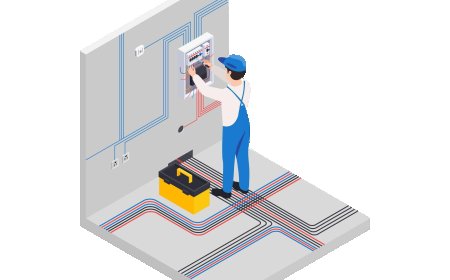
Learn to install and maintain backup power systems, including generators and uninterruptible power supplies (UPS). In this simulation, students will virtually install backup generators, transfer switches, and UPS systems in both commercial and residential settings. They will also troubleshoot power outages and test backup systems. Real-time feedback will be provided on system reliability, generator sizing, and power load management.

Basic Tool Usage and Safety

The Basic Tool Usage and Safety Simulation teaches students how to safely and efficiently use basic carpentry tools, including both hand tools and power tools. Virtual tutorials guide students through the correct use of hand tools like hammers, saws, measuring tapes, levels, and chisels. The simulation also covers the operation of power tools such as circular saws, miter saws, drills, and nail guns. Safety scenarios help students understand proper handling, tool maintenance, and the importance of personal protective equipment (PPE). Real-time feedback focuses on tool handling, accuracy, and safety adherence.

Human Factors and Ergonomics in Aerospace Design

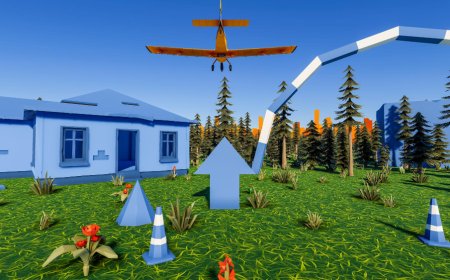
Explore human factors engineering in aerospace design with XR simulations, focusing on improving cockpit layouts, pilot comfort, and crew safety. Students can design ergonomic cockpits, control panels, and crew seating arrangements while addressing the challenges of pilot workload reduction and enhancing the user interface. Interactive lessons provide valuable insights into optimizing design for both efficiency and safety, especially during emergency procedures. Real-time feedback on ergonomic efficiency, human-machine interaction, and compliance with safety regulations ensures students can apply best practices in their designs.

All tasks -General Hazards

Explore potential hazards associated with various tasks and how to manage them effectively, with the aid of XR simulations to enhance understanding of safety protocols.

Obstetric and Neonatal Care Simulation

The Obstetric and Neonatal Care Simulation module trains nursing students in essential obstetric and neonatal care skills through realistic virtual scenarios. Students gain hands-on experience in labor and delivery processes, fetal monitoring, neonatal assessments, and newborn resuscitation, ensuring safe and competent maternal and infant care during childbirth and postpartum.

Mechatronic Systems Troubleshooting Simulation

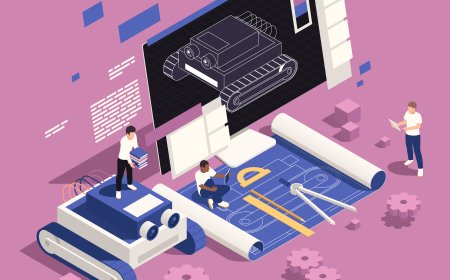
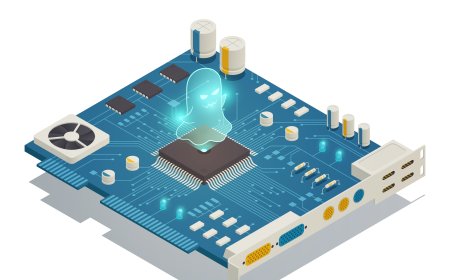
Provide students with XR-based scenarios to diagnose and troubleshoot common issues in mechatronic systems, including electrical, mechanical, and software faults. Using virtual diagnostic tools like multimeters, oscilloscopes, and logic analyzers, students will identify and resolve system faults such as sensor failures, PLC logic errors, and mechanical misalignments. Real-time feedback will help refine troubleshooting approaches and improve problem-solving efficiency in an immersive XR environment.

LMS Integration

imaginX seamlessly integrates with leading LMS (Learning Management Systems), enabling educators to track student performance and allowing students to maintain their work records. It is compatible with popular platforms such as Canvas, Blackboard, Moodle, Google Classroom, Schoology, Sakai, Brightspace/D2L, and can also be used independently of an LMS.

Platform Features

Unlimited users faculty & students
Simulations
Simulations
Pedagogy Experts
Pedagogy Experts
Gamification
Gamification
Multiplayer
Multiplayer
Networking
Networking
Assignments
Assignments
Auto Grading
Auto Grading
AI
AI
LMS Integartion
LMS Integartion
Go Back Top