imaginX is used by many amazing schools and universities

University / College
Learning Objectives

At the end of this simulation, you will be able to:
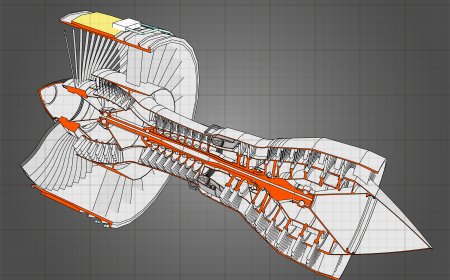
  • Design spacecraft, including satellites, space probes, and crewed vehicles, while integrating essential systems such as propulsion and thermal control.
  • Analyze orbital mechanics, including calculating trajectories and understanding gravitational forces affecting spacecraft.
  • Simulate spacecraft maneuvering in space, including orbital adjustments and docking procedures.
  • Receive feedback on mission planning, optimizing fuel usage, and ensuring spacecraft stability in different orbits.
  • Enhance your ability to plan and execute space missions, considering fuel efficiency, mission duration, and orbital dynamics.

How do virtual labs work?

Enhance students' involvement in science by immersing them in interactive learning scenarios. Create simulations for experiments, provide hands-on training in laboratory techniques, and convey theoretical concepts through captivating visual experiences to improve their overall long-term learning outcomes.

  • Access web-based simulations that are compatible with laptops, Chromebooks, tablets, and iPads, eliminating the need for software installation.
  • Incorporate a teacher dashboard for automated grading and monitoring of student progress.
  • Utilize embedded quizzes to assist students in mastering scientific content.
  • Comprehensive repository of educational materials, including learning resources, lab reports, videos, theory pages, graphics, and more.

Relevant Course Packages All Course Packages

Blueprint Reading and Layout

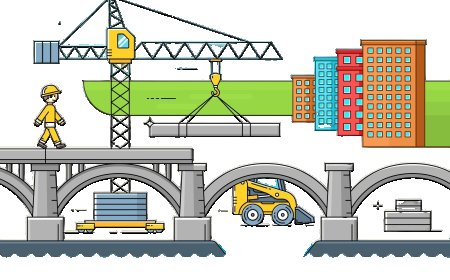
The Blueprint Reading and Layout Simulation teaches students how to read and interpret construction blueprints and translate them into physical layouts on-site. Virtual blueprints are provided, where students identify dimensions, layouts, and construction details. Interactive scenarios guide students in marking and laying out floor plans, walls, and structural components based on blueprint specifications. Real-time feedback is given on layout accuracy, alignment, and proper interpretation of building plans.

Septic System Design and Installation

Learn the essential skills for designing, installing, and maintaining septic systems, commonly used in rural settings. This simulation involves designing septic tanks, drain fields, and other key wastewater management components. It covers sizing septic systems based on household needs and soil percolation tests, with real-time feedback on layout, drainage performance, and troubleshooting septic issues such as backups or system failures.

Drywall Installation and Finishing

Explore the process of installing and finishing drywall, including cutting, hanging, taping, mudding, and sanding, with XR enhancements to perfect wall finishes.

Welding Blueprint Reading and Symbols

The Welding Blueprint Reading and Symbols simulation uses XR to enhance understanding of welding blueprints and symbols, enabling accurate interpretation and application of welding instructions.

Flight Control Systems Calibration and Adjustment

Immerse in an XR-powered environment to master the calibration and adjustment of flight control systems, including ailerons, rudders, elevators, and flaps. Gain hands-on experience in ensuring precision and smooth operation for optimal aircraft control.

Siding Installation

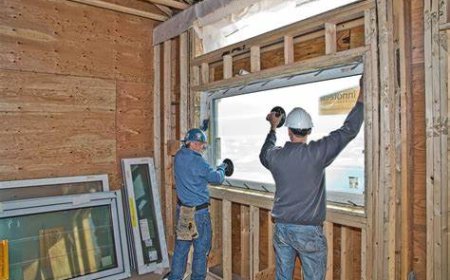
The Siding Installation Simulation teaches students how to install exterior siding materials such as wood, vinyl, fiber cement, or metal. Students engage in virtual practice to measure, cut, and install siding materials on building walls. The simulation includes tutorials on aligning siding panels, securing them to the building frame, and adding trim pieces for a polished look. XR (Extended Reality) integration enhances the learning experience by allowing students to visualize the full-scale siding installation process and interact with 3D models of siding materials in a real-world setting.

LMS Integration

imaginX seamlessly integrates with leading LMS (Learning Management Systems), enabling educators to track student performance and allowing students to maintain their work records. It is compatible with popular platforms such as Canvas, Blackboard, Moodle, Google Classroom, Schoology, Sakai, Brightspace/D2L, and can also be used independently of an LMS.

Platform Features

Unlimited users faculty & students
Simulations
Simulations
Pedagogy Experts
Pedagogy Experts
Gamification
Gamification
Multiplayer
Multiplayer
Networking
Networking
Assignments
Assignments
Auto Grading
Auto Grading
AI
AI
LMS Integartion
LMS Integartion
Go Back Top