imaginX is used by many amazing schools and universities

University / College
Learning Objectives

At the end of this simulation, you will be able to:
  • Understand the unique properties and challenges of exotic metals and alloys.
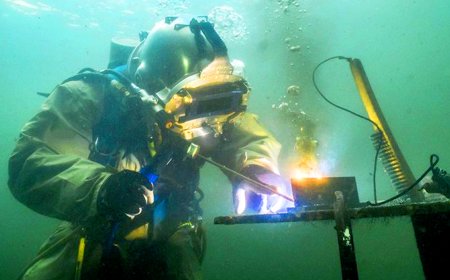
  • Learn specialized welding techniques for high-performance materials like titanium and Inconel.
  • Practice adjusting welding settings, gas flow, and filler materials for optimal results with exotic materials.
  • Develop skills in controlling oxidation and heat sensitivity during the welding process.
  • Assess weld quality and material integrity when working with advanced metals and alloys.

How do virtual labs work?

Enhance students' involvement in science by immersing them in interactive learning scenarios. Create simulations for experiments, provide hands-on training in laboratory techniques, and convey theoretical concepts through captivating visual experiences to improve their overall long-term learning outcomes.

  • Access web-based simulations that are compatible with laptops, Chromebooks, tablets, and iPads, eliminating the need for software installation.
  • Incorporate a teacher dashboard for automated grading and monitoring of student progress.
  • Utilize embedded quizzes to assist students in mastering scientific content.
  • Comprehensive repository of educational materials, including learning resources, lab reports, videos, theory pages, graphics, and more.

Relevant Course Packages All Course Packages

Siding Installation

The Siding Installation Simulation teaches students how to install exterior siding materials such as wood, vinyl, fiber cement, or metal. Students engage in virtual practice to measure, cut, and install siding materials on building walls. The simulation includes tutorials on aligning siding panels, securing them to the building frame, and adding trim pieces for a polished look. XR (Extended Reality) integration enhances the learning experience by allowing students to visualize the full-scale siding installation process and interact with 3D models of siding materials in a real-world setting.

Energy Efficiency and Green HVAC Technologies

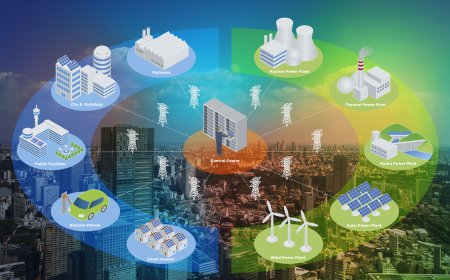
The Energy Efficiency and Green HVAC Technologies Simulation provides students with hands-on experience in installing and operating energy-efficient HVAC systems and integrating green technologies like geothermal heat pumps, solar-assisted systems, and energy recovery ventilators (ERVs). Students will virtually install and operate these systems while measuring energy consumption and system performance. Scenarios include integrating renewable energy sources like solar panels into HVAC systems. Real-time feedback will focus on energy savings, system performance, and environmental impact.

Radiographic Pathology Simulation

Empower students to identify and diagnose radiographic pathologies using immersive XR simulations, focusing on conditions such as fractures, tumors, infections, and degenerative diseases.

Human Factors and Ergonomics in Aerospace Design

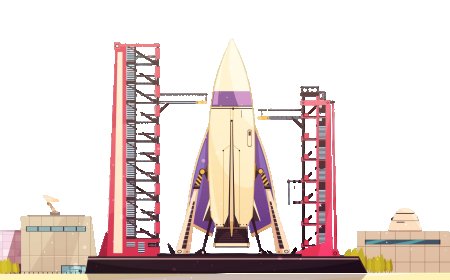
Explore human factors engineering in aerospace design with XR simulations, focusing on improving cockpit layouts, pilot comfort, and crew safety. Students can design ergonomic cockpits, control panels, and crew seating arrangements while addressing the challenges of pilot workload reduction and enhancing the user interface. Interactive lessons provide valuable insights into optimizing design for both efficiency and safety, especially during emergency procedures. Real-time feedback on ergonomic efficiency, human-machine interaction, and compliance with safety regulations ensures students can apply best practices in their designs.

Chiller System Installation and Maintenance

The Chiller System Installation and Maintenance Simulation trains students on the installation, maintenance, and troubleshooting of chiller systems used in commercial buildings for large-scale cooling applications. Students will practice virtually installing air-cooled and water-cooled chiller systems, connecting them to cooling towers and air handlers. Maintenance tasks include cleaning chiller tubes, monitoring refrigerant levels, and inspecting compressors. Troubleshooting scenarios will focus on issues like reduced cooling capacity, refrigerant leaks, and mechanical failures. Real-time feedback will be provided on system performance, energy consumption, and efficiency optimization.

Hydronic Heating Systems

The Hydronic Heating Systems Simulation trains students on hydronic heating systems, which use water to distribute heat throughout a building. Students can practice virtually installing and troubleshooting systems that include boilers, radiators, and piping systems. Interactive exercises focus on adjusting water flow rates, pressure settings, and temperature control for radiant heating. Real-time feedback is provided on system balance, heat distribution, and energy efficiency.

LMS Integration

imaginX seamlessly integrates with leading LMS (Learning Management Systems), enabling educators to track student performance and allowing students to maintain their work records. It is compatible with popular platforms such as Canvas, Blackboard, Moodle, Google Classroom, Schoology, Sakai, Brightspace/D2L, and can also be used independently of an LMS.

Platform Features

Unlimited users faculty & students
Simulations
Simulations
Pedagogy Experts
Pedagogy Experts
Gamification
Gamification
Multiplayer
Multiplayer
Networking
Networking
Assignments
Assignments
Auto Grading
Auto Grading
AI
AI
LMS Integartion
LMS Integartion
Go Back Top