imaginX is used by many amazing schools and universities

University / College

Learning Objectives

At the end of this simulation, you will be able to:
  • Understand the principles of MRI technology, including the interaction of magnetic fields and radio waves in image generation.
  • Operate simulated MRI machines, adjusting parameters for optimal imaging results through XR-based interactions.
  • Learn to identify soft tissue abnormalities and interpret MRI images using virtual analysis tools.
  • Gain insights into the advantages of MRI for diagnosing various conditions involving soft tissues, brain, spine, and joints.
  • Practice patient positioning and preparation for MRI scans with guidance from XR simulations, enhancing practical skills.

How do virtual labs work?

Enhance students' involvement in science by immersing them in interactive learning scenarios. Create simulations for experiments, provide hands-on training in laboratory techniques, and convey theoretical concepts through captivating visual experiences to improve their overall long-term learning outcomes.

  • Access web-based simulations that are compatible with laptops, Chromebooks, tablets, and iPads, eliminating the need for software installation.
  • Incorporate a teacher dashboard for automated grading and monitoring of student progress.
  • Utilize embedded quizzes to assist students in mastering scientific content.
  • Comprehensive repository of educational materials, including learning resources, lab reports, videos, theory pages, graphics, and more.

Relevant Course Packages All Course Packages

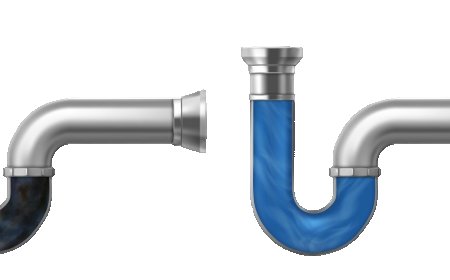
Doping Process Simulation

Experience the doping process in semiconductor fabrication through immersive XR simulations. Learn how impurities alter electrical properties by working with virtual tools to control ion implantation, diffusion, and annealing, ensuring precise adjustments to material characteristics.

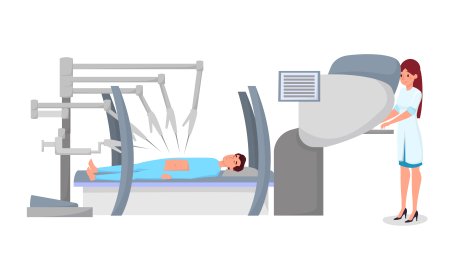
Fluoroscopy Simulation

Educate students on the use of fluoroscopy for dynamic imaging of moving structures in the body, with XR-based simulations for real-time procedure practice.

Drywall Installation and Finishing

Explore the process of installing and finishing drywall, including cutting, hanging, taping, mudding, and sanding, with XR enhancements to perfect wall finishes.

Door and Window Installation

The Door and Window Installation Simulation trains students to install doors, windows, and frames with precision, ensuring proper insulation and sealing. Virtual installation scenarios guide students through the process of installing pre-hung doors, sliding doors, and windows in various wall openings. Interactive tutorials focus on leveling frames, securing doors and windows, and sealing gaps for insulation. Real-time feedback is provided on installation techniques, weatherproofing, and frame alignment.

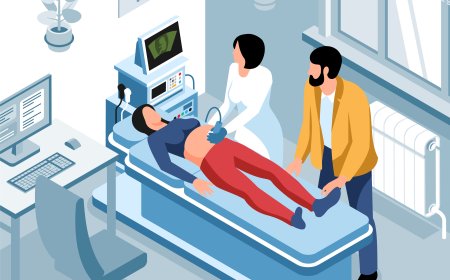
Radiographic Image Interpretation

Guide students in interpreting X-ray images to identify abnormalities, fractures, and conditions using XR-based tools for detailed analysis.

Circuit Simulation with SPICE Software

The Circuit Simulation with SPICE Software module provides students with hands-on experience using SPICE (Simulation Program with Integrated Circuit Emphasis) software to design, simulate, and analyze both analog and digital circuits. Through interactive virtual tools, students explore circuit behavior, performance, and optimization.

LMS Integration

imaginX seamlessly integrates with leading LMS (Learning Management Systems), enabling educators to track student performance and allowing students to maintain their work records. It is compatible with popular platforms such as Canvas, Blackboard, Moodle, Google Classroom, Schoology, Sakai, Brightspace/D2L, and can also be used independently of an LMS.

Platform Features

Unlimited users faculty & students
Simulations
Simulations
Pedagogy Experts
Pedagogy Experts
Gamification
Gamification
Multiplayer
Multiplayer
Networking
Networking
Assignments
Assignments
Auto Grading
Auto Grading
AI
AI
LMS Integartion
LMS Integartion
Go Back Top