imaginX is used by many amazing schools and universities

University / College
Learning Objectives

At the end of this simulation, you will be able to:
  • Understand the key material properties critical to aerospace structures, including tensile strength, fatigue resistance, and thermal stability.
  • Engage in virtual labs to test and analyze materials for real-world aerospace applications.
  • Simulate material selection for aerospace components based on factors like weight, durability, and cost.
  • Receive feedback on material performance and how it meets aerospace industry standards for safety and efficiency.
  • Gain insight into advanced materials like composites and alloys, learning how they are optimized for use in aircraft and spacecraft structures.

How do virtual labs work?

Enhance students' involvement in science by immersing them in interactive learning scenarios. Create simulations for experiments, provide hands-on training in laboratory techniques, and convey theoretical concepts through captivating visual experiences to improve their overall long-term learning outcomes.

  • Access web-based simulations that are compatible with laptops, Chromebooks, tablets, and iPads, eliminating the need for software installation.
  • Incorporate a teacher dashboard for automated grading and monitoring of student progress.
  • Utilize embedded quizzes to assist students in mastering scientific content.
  • Comprehensive repository of educational materials, including learning resources, lab reports, videos, theory pages, graphics, and more.

Relevant Course Packages All Course Packages →

Blueprint Reading and Layout

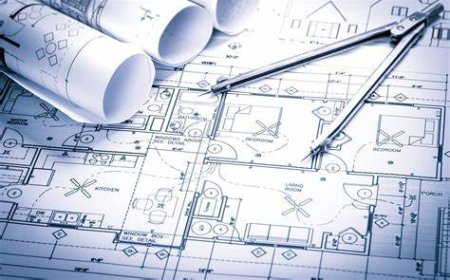
The Blueprint Reading and Layout Simulation teaches students how to read and interpret construction blueprints and translate them into physical layouts on-site. Virtual blueprints are provided, where students identify dimensions, layouts, and construction details. Interactive scenarios guide students in marking and laying out floor plans, walls, and structural components based on blueprint specifications. Real-time feedback is given on layout accuracy, alignment, and proper interpretation of building plans.

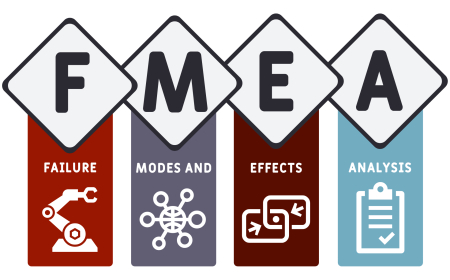
Failure Mode and Effects Analysis (FMEA) Simulation

Gain expertise in Failure Mode and Effects Analysis (FMEA) through immersive XR simulations. Learn to systematically identify, assess, and mitigate potential failure points in semiconductor manufacturing processes to enhance reliability and quality.

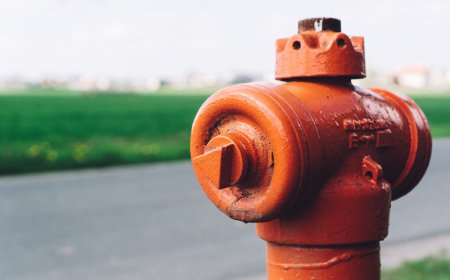
Pipe Hydrant Maintenance

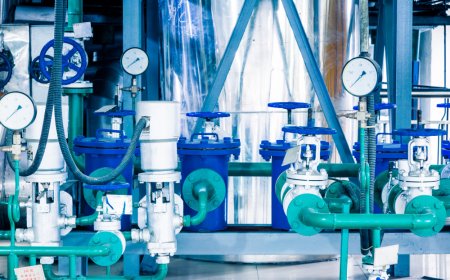
Enhance your knowledge and practical skills in the maintenance and repair of pipe hydrants, exploring essential tasks such as valve operation, leak detection, and system testing, with XR simulations for realistic hands-on training.

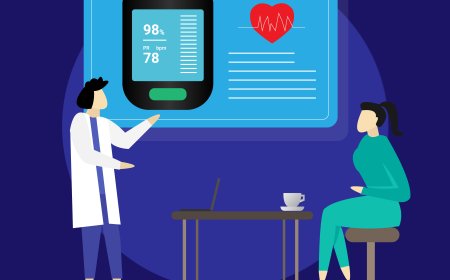
Patient Assessment and Vital Signs Monitoring

The "Patient Assessment and Vital Signs Monitoring" module equips students with the essential skills to perform comprehensive patient assessments and monitor vital signs effectively. Through immersive virtual scenarios and interactive tutorials, learners will interact with virtual patients to measure and analyze critical health parameters, assess symptoms, and make informed clinical decisions. Real-time feedback ensures accuracy and reinforces data interpretation for improved clinical judgment.

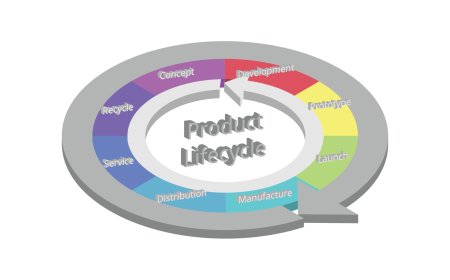
Product Lifecycle Management (PLM)

This XR simulation teaches students about the comprehensive processes involved in managing a product's lifecycle, from initial conception through design, development, production, and eventual retirement. Virtual tools allow students to coordinate product design, development, production, and sustainability, integrating CAD, CAM, and data management into the development cycle. Students will interact with real-world scenarios to optimize project timelines, resource allocation, and overall product lifecycle efficiency. Feedback is provided on their decisions related to production costs, environmental impact, and product sustainability.

Pumping Systems and Sump Pump Installation

Explore the installation and maintenance of pumping systems, including sump pumps, to prevent flooding. Virtual practice in setting up discharge lines, configuring float switches, and performing routine maintenance to ensure system reliability.

LMS Integration

imaginX seamlessly integrates with leading LMS (Learning Management Systems), enabling educators to track student performance and allowing students to maintain their work records. It is compatible with popular platforms such as Canvas, Blackboard, Moodle, Google Classroom, Schoology, Sakai, Brightspace/D2L, and can also be used independently of an LMS.

Platform Features

Unlimited users faculty & students
Simulations
Simulations
Pedagogy Experts
Pedagogy Experts
Gamification
Gamification
Multiplayer
Multiplayer
Networking
Networking
Assignments
Assignments
Auto Grading
Auto Grading
AI
AI
LMS Integartion
LMS Integartion
Go Back Top